Down. Up. Delight.
Separate press and release sounds, with subtle pitch variation that keeps things feeling natural.
 kbsd
kbsd
A SMALL COMPANION FOR YOUR DESKTOP
Turn everyday typing into something you look forward to.
Seven sound sets. Your own rhythm. Quietly in the background.
SOUND GOOD. FEEL GOOD.
Press play. Pick a favorite.
Make it yours in the app.
kbsdSound studio
A little preview of your next favorite sound.
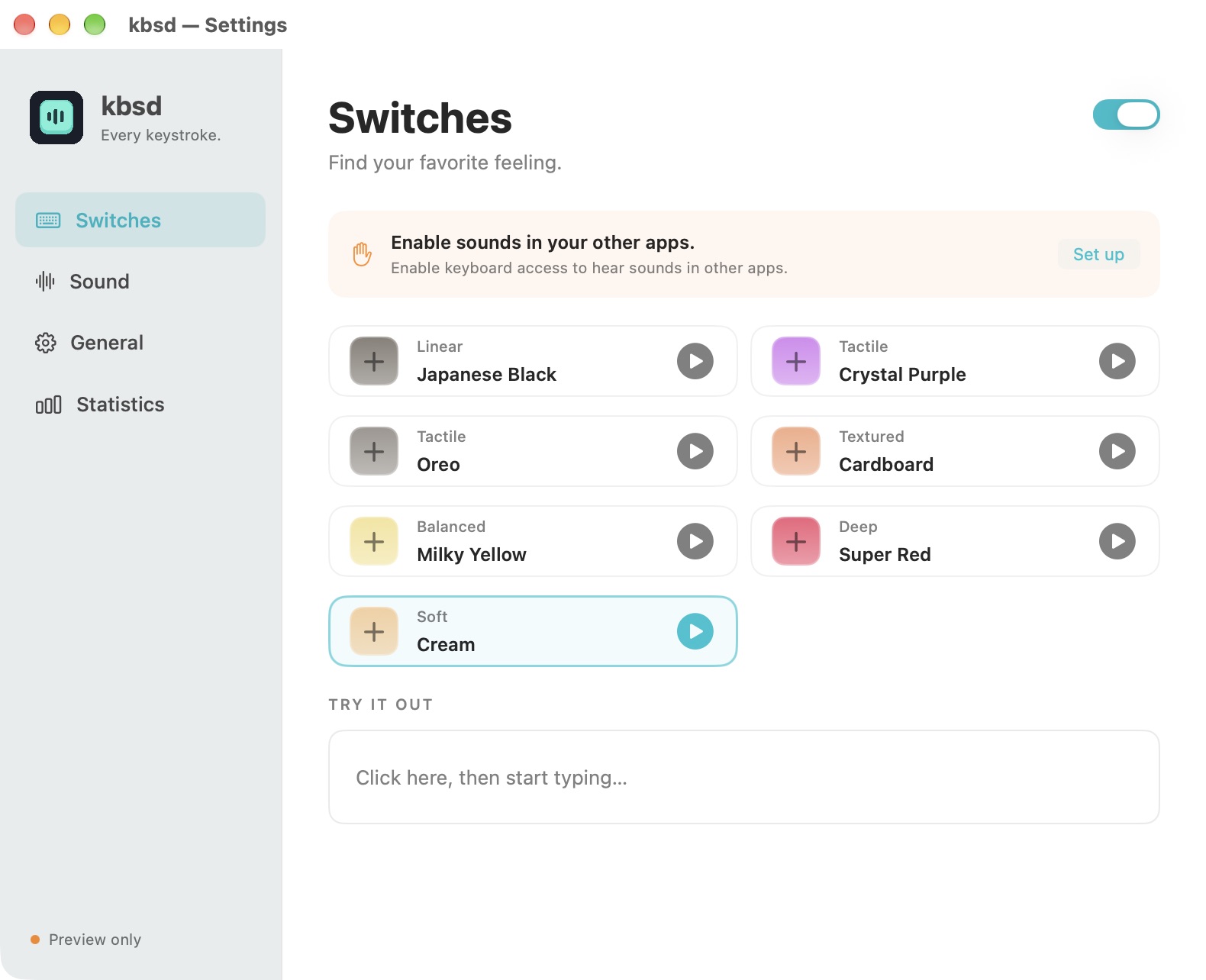
Separate press and release sounds, with subtle pitch variation that keeps things feeling natural.
Set the volume, tune the pitch, add stereo width, and choose whether modifiers and mouse clicks join in.
No accounts, no typing logs, no input sent anywhere. Settings and aggregate counts stay on your computer.
THREE SMALL STEPS
On Windows, run the installer and search for kbsd in Start. On Mac, unzip kbsd and move it to Applications. The Mac release is locally signed and isn’t notarized. macOS may show a security warning; review the source and Apple’s opening instructions before proceeding.
Windows is ready without extra permissions. On Mac, open General in kbsd, then Open System Settings. Allow kbsd in Accessibility (called Device Control & Data Access on some macOS versions). No permission is needed for in-app previews.
Choose a sound, set your volume, and get back to whatever you love making.
kbsd runs on Apple Silicon Macs with macOS 14 or later and Windows 10/11 x64. An Intel Mac build is not included. Both Windows downloads include the .NET runtime.
Download and run the Windows installer. It installs for your user without administrator access and adds kbsd to the Start menu. Search for kbsd to open it, even while it is already running in the notification area. To remove it, use Windows Settings → Apps → Installed apps. The installer and app are not Authenticode signed.
Launch at login is optional: turn it on in kbsd → General. The portable ZIP is also available; extract the whole folder and run kbsd.exe.
No. It uses physical key events to choose a sound, without reading typed characters or storing a key history. Only daily and total counts are saved locally.
Keyboard access hasn’t been granted to the current app. Open General → Open System Settings. If an older build is already allowed, remove that entry, add the current kbsd.app, and click Check again.
The switch recordings come from Klack’s sound previews and are included with permission. Their original rights holders retain ownership. See the repository’s asset attribution for details.
Seven sounds, press/release feedback, volume and pitch controls, stereo width, modifier and mouse sounds, local counts, and optional launch at login. Head-tracked spatial audio and automatic updates are not included.